ReelFeltStart Your ReelFelt

ReelFelt

Preserve the voice, expression, and pause behind every story

Reply with video, voice, or writing so each person can choose the format that feels most natural.
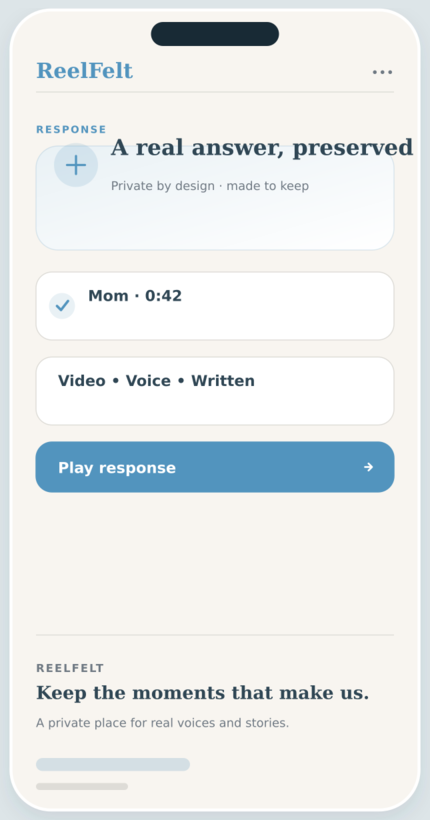
Video & Voice Conversations screen in the ReelFelt app
Video & Voice Conversations in ReelFelt

How video & voice conversations works

  1. Open a question from someone you trust.
  2. Choose video, voice, or a written response.
  3. Record, review, and send your answer privately.

Questions about video & voice conversations

Do I have to appear on camera?

No. Voice and written responses are available when video is not the right fit.

Can recordings be replayed later?

Yes. Accepted participants can revisit the private conversation in ReelFelt.

A familiar laugh or expression can carry meaning that a transcript never will.

Reply with video, voice, or writing so each person can choose the format that feels most natural.

Why it matters

  • Capture tone, expression, and personality in a natural response.
  • Answer asynchronously when there is time to be thoughtful.
  • Keep recordings organized with the conversation around them.

Keep exploring

Download ReelFelt for iPhone

Scan the QR code or open the direct App Store link.

QR code to download ReelFelt from the Apple App Store

Download ReelFelt on the Apple App Store