ReelFeltStart Your ReelFelt

ReelFelt

Keep a family, reunion, or close circle in one private space

Create a member-controlled group for shared questions, updates, and conversations.
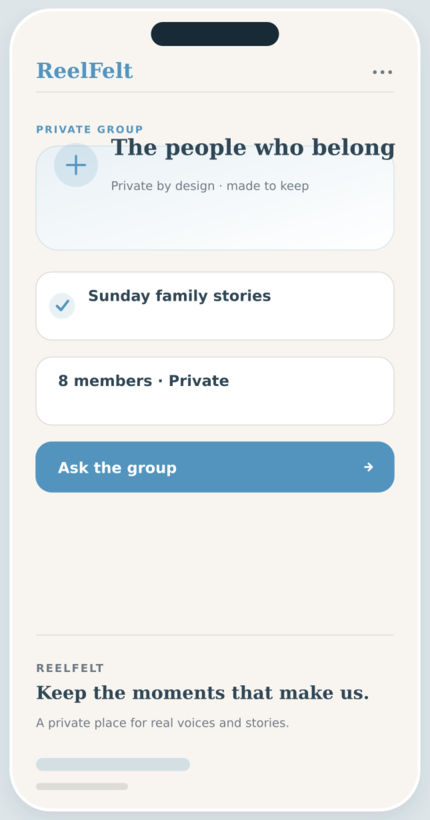
Private Groups screen in the ReelFelt app
Private Groups in ReelFelt

How private groups works

  1. Create a group and give it a recognizable name.
  2. Invite accepted friends who belong in the space.
  3. Share questions and continue the private conversation.

Questions about private groups

Are groups searchable by the public?

No. Group participation and content are private to members.

Can access change when membership changes?

Yes. Private group access follows current membership.

A group gives a trusted circle one place to keep the conversation going.

Create a member-controlled group for shared questions, updates, and conversations.

Why it matters

  • Create a space for a family branch, reunion, or close friend circle.
  • Keep group content visible only to current members.
  • Ask shared questions without broadcasting beyond the group.

Keep exploring

Download ReelFelt for iPhone

Scan the QR code or open the direct App Store link.

QR code to download ReelFelt from the Apple App Store

Download ReelFelt on the Apple App Store