ReelFeltStart Your ReelFelt

ReelFelt

Return when a meaningful conversation moves forward

Notifications help you find new questions, responses, invitations, and private activity that needs your attention.
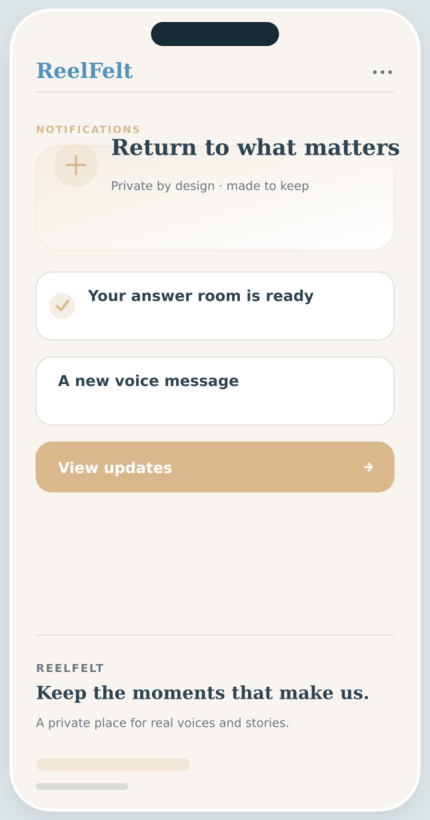
Notifications screen in the ReelFelt app
Notifications in ReelFelt

How notifications works

  1. Receive a ReelFelt notification for eligible activity.
  2. Open the notification center or device alert.
  3. Continue in the private question, message, or invitation.

Questions about notifications

Do notifications reveal private media publicly?

No. Opening protected content still requires authentication and authorization.

Can deleted content keep producing alerts?

ReelFelt's cleanup rules are designed to remove notifications tied to content that no longer exists.

A useful notification brings you back to a person, not a metric.

Notifications help you find new questions, responses, invitations, and private activity that needs your attention.

Why it matters

  • See when someone asks or answers a question.
  • Find invitations to private groups and experiences.
  • Open the relevant conversation directly from the update.

Keep exploring

Download ReelFelt for iPhone

Scan the QR code or open the direct App Store link.

QR code to download ReelFelt from the Apple App Store

Download ReelFelt on the Apple App Store