ReelFeltStart Your ReelFelt

ReelFelt

Help friends and family know they found the right person

Use a profile name, photo, and personal details to make trusted connections easier to recognize.
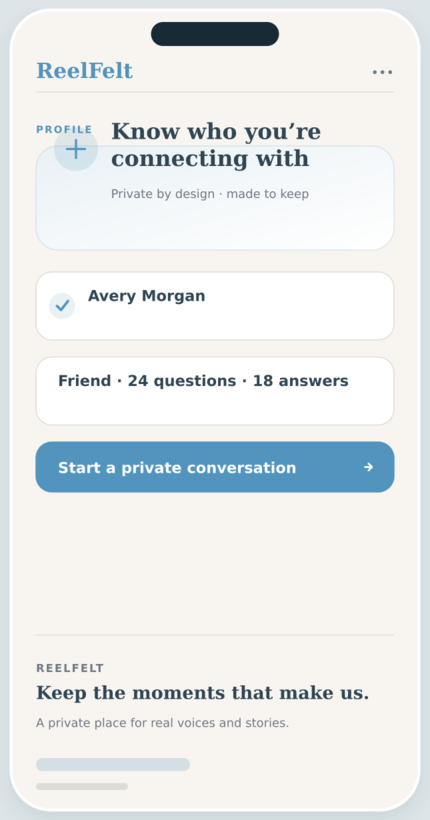
Profiles screen in the ReelFelt app
Profiles in ReelFelt

How profiles works

  1. Create or sign in to your ReelFelt account.
  2. Add the profile details you want trusted people to recognize.
  3. Use your profile to connect and participate in private conversations.

Questions about profiles

Does a profile expose my private memories?

No. Profile visibility does not grant access to protected questions, media, or private spaces.

Can I edit my profile?

Yes. You can update supported profile details from your account.

A profile should support trust and recognition, not become a public performance.

Use a profile name, photo, and personal details to make trusted connections easier to recognize.

Why it matters

  • Use a clear name and image that loved ones recognize.
  • View the people behind questions and private conversations.
  • Manage your own identity without exposing private archives.

Keep exploring

Download ReelFelt for iPhone

Scan the QR code or open the direct App Store link.
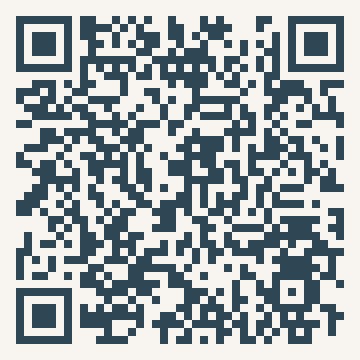
QR code to download ReelFelt from the Apple App Store

Download ReelFelt on the Apple App Store