ReelFeltStart Your ReelFelt

ReelFelt

Create a private room around a relationship that matters

Relationship Rooms give two trusted people a focused mobile space for prompts, responses, and ongoing reflection.

Currently available in the native ReelFelt app for iOS and Android.
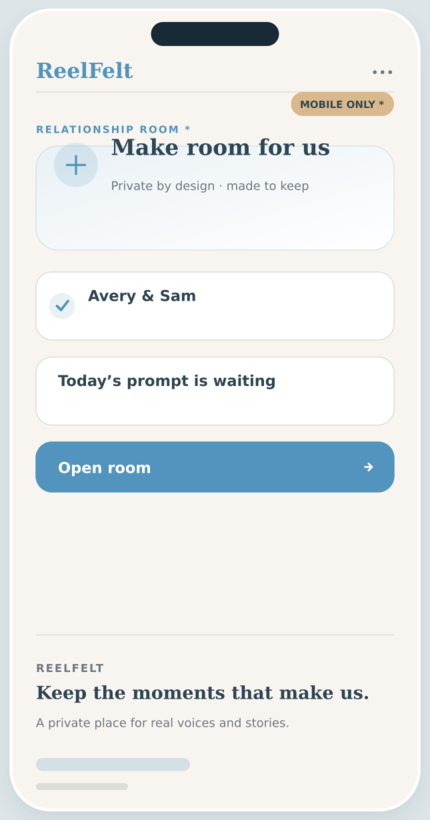
Relationship Rooms screen in the ReelFelt app
Relationship Rooms * in ReelFelt

How relationship rooms works

  1. Open Relationship Rooms in the mobile app.
  2. Choose the trusted person for the room.
  3. Use prompts and responses to build the conversation over time.

Questions about relationship rooms

Is this a public couples profile?

No. Relationship Rooms are private spaces between the people involved.

Is this the same as an Answer Room?

No. Answer Rooms reveal independent group responses; Relationship Rooms focus on an ongoing one-to-one relationship.

A dedicated room makes it easier to return to the conversations daily life postpones.

Relationship Rooms give two trusted people a focused mobile space for prompts, responses, and ongoing reflection.

Why it matters

  • Center a private experience on one trusted relationship.
  • Use prompts to make space for deeper reflection.
  • Keep the room separate from broader groups and feeds.

Keep exploring

Download ReelFelt for iPhone

Scan the QR code or open the direct App Store link.

QR code to download ReelFelt from the Apple App Store

Download ReelFelt on the Apple App Store