ReelFeltStart Your ReelFelt

ReelFelt

Protect personal media in a private mobile vault

Collect sensitive recordings and media in a protected space with ownership and access enforced beyond the screen.

Currently available in the native ReelFelt app for iOS and Android.
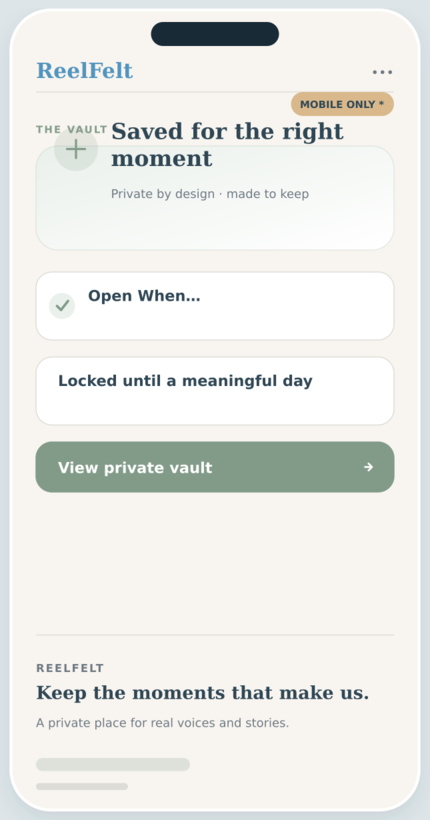
The Vault screen in the ReelFelt app
The Vault * in ReelFelt

How the vault works

  1. Open The Vault in the ReelFelt mobile app.
  2. Create or select a private vault space.
  3. Add protected media and revisit it under the vault's access rules.

Questions about the vault

Why is this marked with an asterisk?

The Vault is currently a native capability in the ReelFelt mobile app.

Is vault media exposed on this public page?

No. This page describes the feature only and never reads private account or media data.

Privacy is enforced at storage and playback boundaries, not just by hiding a button.

Collect sensitive recordings and media in a protected space with ownership and access enforced beyond the screen.

Why it matters

  • Keep personal media inside protected ReelFelt storage.
  • Control access through authenticated ownership rules.
  • Use time-based controls where a vault experience supports them.

Keep exploring

Download ReelFelt for iPhone

Scan the QR code or open the direct App Store link.
QR code to download ReelFelt from the Apple App Store

Download ReelFelt on the Apple App Store